Shopify Plus Fulfillment: What Changes for Your 3PL When You Upgrade
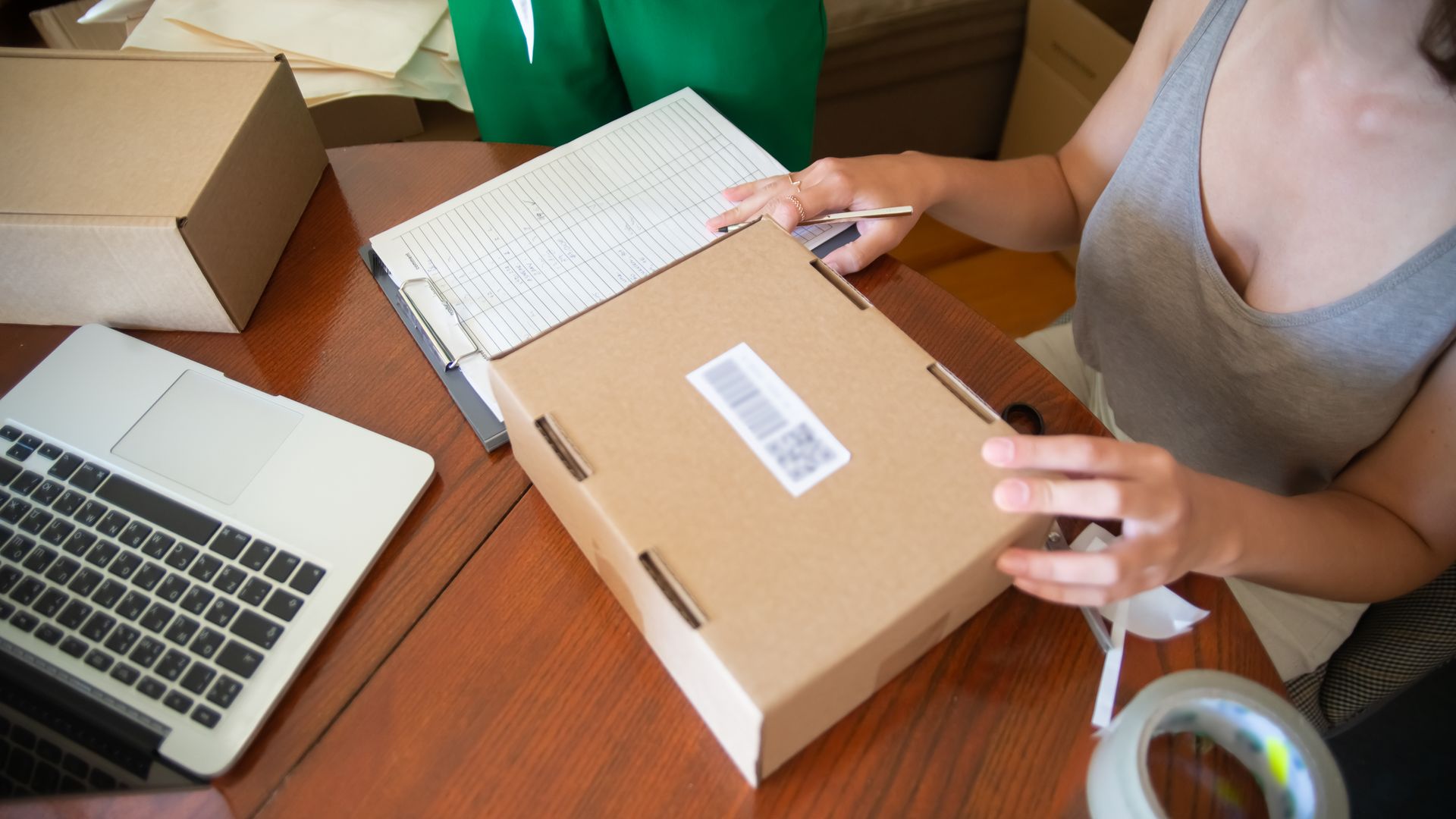
Short answer: Moving to Shopify Plus does not change the basic connection to your 3PL. Orders, inventory and tracking still flow through the same Shopify integration, and Shopify says moving between plans requires no replatforming. What changes is what you can do on top: up to nine expansion stores, Launchpad for scheduled sales, deeper checkout customization, custom apps built with Shopify Functions, up to 200 locations and unlimited B2B catalogs. Each of those affects your warehouse, so walk through them with your 3PL before or right after you upgrade.
What stays the same when you move to Shopify Plus?
Your 3PL connects to Shopify the same way on every plan. Orders import, inventory levels sync back and tracking numbers post to your customers. Your SKUs, fulfillment rules and packaging setup carry over. If your current integration works well, upgrading is not a reason to rebuild it. For the basics of that connection, see how to connect a Shopify store to a 3PL.
Which Shopify Plus features affect fulfillment?
| Plus feature | What it means for your 3PL |
|---|---|
| Up to 9 expansion stores | Each store is its own order source. Decide whether they share one inventory pool and how the 3PL tells their orders apart. |
| Launchpad (scheduled, automated promotions) | Sales can start at a set time. The warehouse needs the calendar and a volume forecast in advance. |
| Checkout customization and Shopify Functions custom apps | You can change which delivery options shoppers see. Those promises have to match what the warehouse and carriers can actually do. |
| Up to 200 locations | More room to model several warehouses, retail stores or pop-ups as separate inventory locations. |
| Unlimited B2B catalogs and direct catalog assignment | More wholesale accounts with custom pricing, which usually means more case-pack and freight orders. |
| Plus-only API resources | Some apps and integrations use features only available on Plus. Ask your 3PL whether any apply to its connector. |
How should expansion stores connect to your 3PL?
Brands usually add expansion stores for another country, a wholesale storefront or a second brand. Before you launch one, settle three questions with your 3PL:
- Shared or separate inventory? If two stores sell the same SKU, one pool at the warehouse avoids double-counting, but each store must see accurate stock levels.
- Same SKUs everywhere? Use identical SKU codes across stores so the warehouse picks one physical product, not three look-alike records.
- Different packing rules? A wholesale store, a gifting store and a DTC store may need different slips, inserts or packaging. Make sure the 3PL can apply rules by store.
How do you prepare a 3PL for Launchpad sales?
Launchpad makes it easy to schedule a flash sale or product drop. The warehouse has to absorb the result. Here is a simple way to size it, with illustrative numbers:
- Normal volume: 400 orders a day.
- A 48-hour sale is forecast at 3x: 1,200 orders a day, or 1,600 extra orders over two days.
- If the 3PL can stretch to 800 orders a day with planned overtime, it ships 1,600 in those two days and carries a backlog of 800 orders.
- At 800 orders a day while normal orders keep arriving at 400, that backlog clears in about two more business days.
Share the sale calendar, expected volume, the SKUs involved and any bundles at least two weeks ahead. Make sure the promoted SKUs are received and available to pick before the sale starts, and agree how you will message shipping times if a backlog builds. Our 3PL guarantees guide covers what on-time remedies should look like when volume spikes.
Will checkout customization change your delivery promises?
Plus lets you customize checkout, and custom apps built with Shopify Functions can change which delivery options shoppers see. That is powerful: you can hide an expedited option for oversize items, or offer faster shipping only to ZIP codes your warehouse reaches quickly. It also creates risk. If checkout promises two-day delivery to a region your warehouse reaches by Ground in four days, you pay for upgrades or miss the promise. Base delivery rules on measured transit data, such as the Atomix Transit Time Calculator, and on the 3PL's real order cutoff.
What should be on your Shopify Plus upgrade checklist?
- Confirm your 3PL integration works the same on Plus and whether it uses any Plus-only features.
- Plan expansion stores: inventory pools, SKU consistency and packing rules by store.
- Put Launchpad sales on a shared calendar with volume forecasts.
- Check that every delivery option shown at checkout matches warehouse cutoffs and transit times.
- Map Shopify locations to the warehouses that actually hold stock.
- If B2B grows, align case-pack SKUs and freight rules (see our Shopify B2B fulfillment guide).
- Run test orders from each store before launch.
How does Atomix work with Shopify Plus brands?
Atomix connects to Shopify through the Atomix App, which syncs live inventory to Shopify and connected marketplaces and pushes tracking back as orders ship. Its automation rules set when, how and what ships, such as inserts for first-time buyers or extra protection for fragile items. Orders received by 2 PM local warehouse time ship the same business day, backed by a $5 per order, per day on-time guarantee. Atomix runs fulfillment centers in Milwaukee, Baltimore and Salt Lake City, and each brand works with a dedicated Fulfillment Pod team that can plan sale days with you.
Frequently asked questions
Do I need to change 3PLs when I upgrade to Shopify Plus?
No. The integration is the same. Change only if your 3PL can't support what you plan to do with Plus, such as several stores or high-volume sale days.
Can one 3PL fulfill orders from several Shopify Plus expansion stores?
Usually yes. Confirm how each store connects, whether inventory is shared and whether packing rules can differ by store.
Does Shopify Plus make fulfillment faster?
Not by itself. Speed comes from warehouse location, order cutoff and carrier choice. Plus gives you more control over what you promise at checkout.
Is B2B a reason to upgrade to Plus?
Less than before. Core B2B tools now work on all plans; Plus adds unlimited catalogs, direct catalog assignment, partial payments and deposits.
Planning a Plus upgrade or a big sale? See how Atomix connects to Shopify or book a free strategy session.
Sources: Shopify Help Center, Shopify Plus plan; Shopify, B2B for all (April 2, 2026); Atomix App; Atomix pricing and guarantees.